Know when customers open your Zendesk replies.

Free email tracking for Zendesk Agent Workspace. See exactly when a reply is opened, with no account signup and no API key.

Add to Chrome — It's Free

No credit card · No signup · 2-minute install

100% Free Forever
No Account Required
Works Inside Zendesk
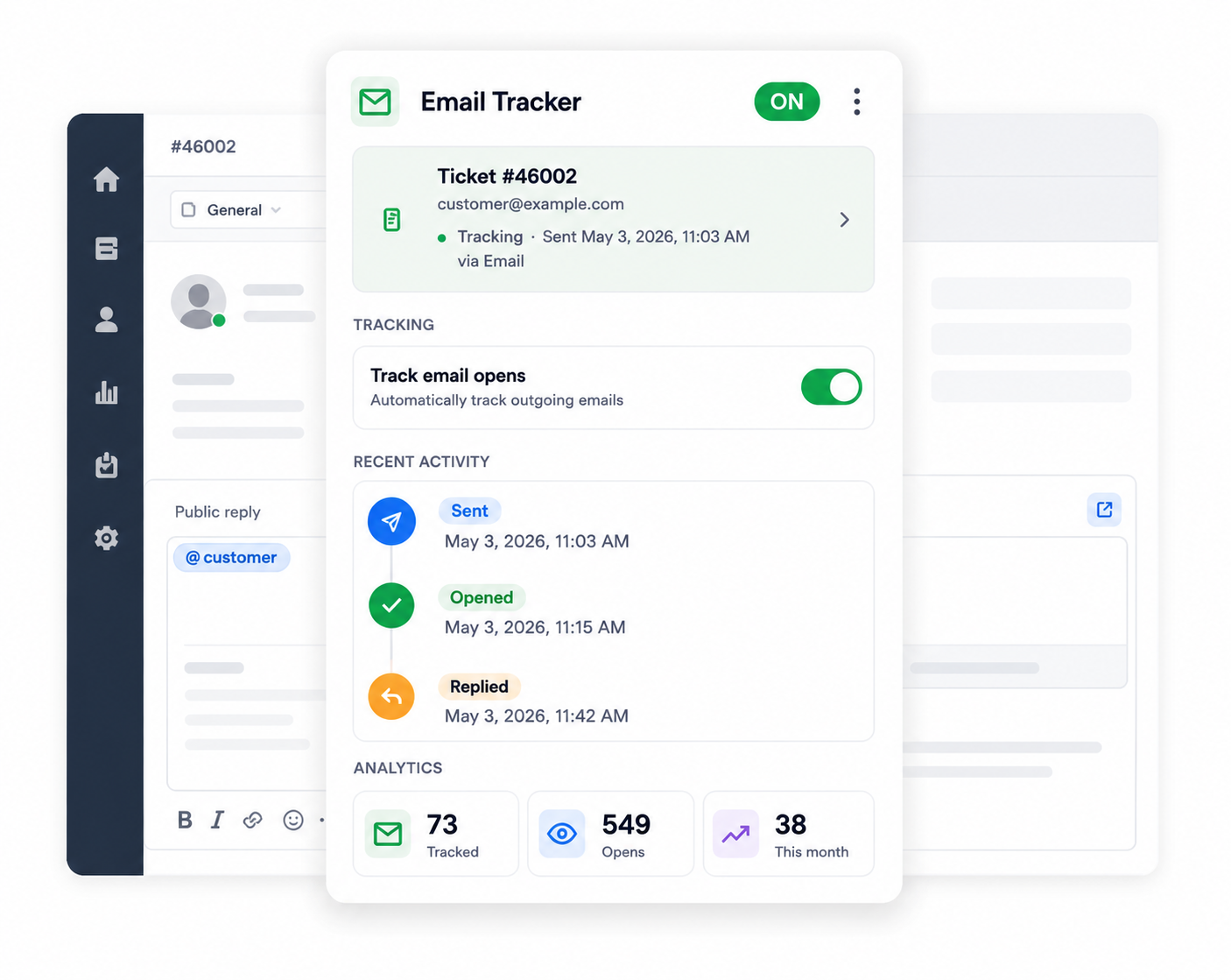
Email Tracker for Zendesk extension popup showing ticket status, tracking toggle, and open analytics

Everything you need to know if a reply was actually read

Automatic tracking

Every ticket reply you send from Zendesk is tracked automatically, with no extra clicks and no separate dashboard to manage.

Sent, Seen, Opened

Get a clear status for every email you send, with exact timestamps, right where you already work.

Team-wide visibility

Every agent on your Zendesk subdomain sees the same open data for a ticket, so no more asking a teammate "did they ever open this?"

Start tracking opens in under two minutes

1

Install

Add the extension from the Chrome Web Store. No account or signup required.

2

Open a ticket

Open any ticket inside Zendesk Agent Workspace as you normally would.

3

Send your reply

Send your email reply the usual way. Nothing about your workflow changes.

4

See when it's opened

We track the open and show you the activity, right inside the extension popup.

Analytics at a glance

See your tracking activity across every ticket, updated automatically.

73

Tracked

Total emails tracked

549

Opens

Total email opens

38

This month

Opens this month

Frequently asked questions

Yes. Email Tracker for Zendesk is completely free, with no subscription, no per-agent fee, and no credit card required.

No. Install the extension and it works immediately inside Zendesk Agent Workspace, with no API key or separate account setup needed.

Tracking uses an invisible pixel added to the outgoing email, the same technique used by most email tracking tools. If a customer's email client blocks remote images, the open won't be recorded.

Tracking data is stored securely on our Cloudflare-hosted backend for up to 90 days, after which it's automatically deleted. We never store your email body content or Zendesk login credentials.

Yes. Use the toggle in the extension popup to turn tracking on or off for any individual ticket before you send.

Start tracking opens today

Add to Chrome — It's Free

No credit card · No signup